For My Home
Adoozy Power
Charging convenience for your home
Bring Adoozy home with a compact, all-in-one charging solution built for everyday convenience. Designed to be lightweight and stylish, it fits seamlessly into any space while remaining simple to set up and use. With built-in WiFi connectivity and full control through the Adoozy app, managing your power has never been easier. The dock can charge up to three power banks simultaneously and features a dual-mode system, allowing for both auto-release and scan-to-release access. Backed by a 12-month warranty on both the dock and power banks, it’s a reliable solution designed to keep you powered at all times.
Meet the Adoozy Docker
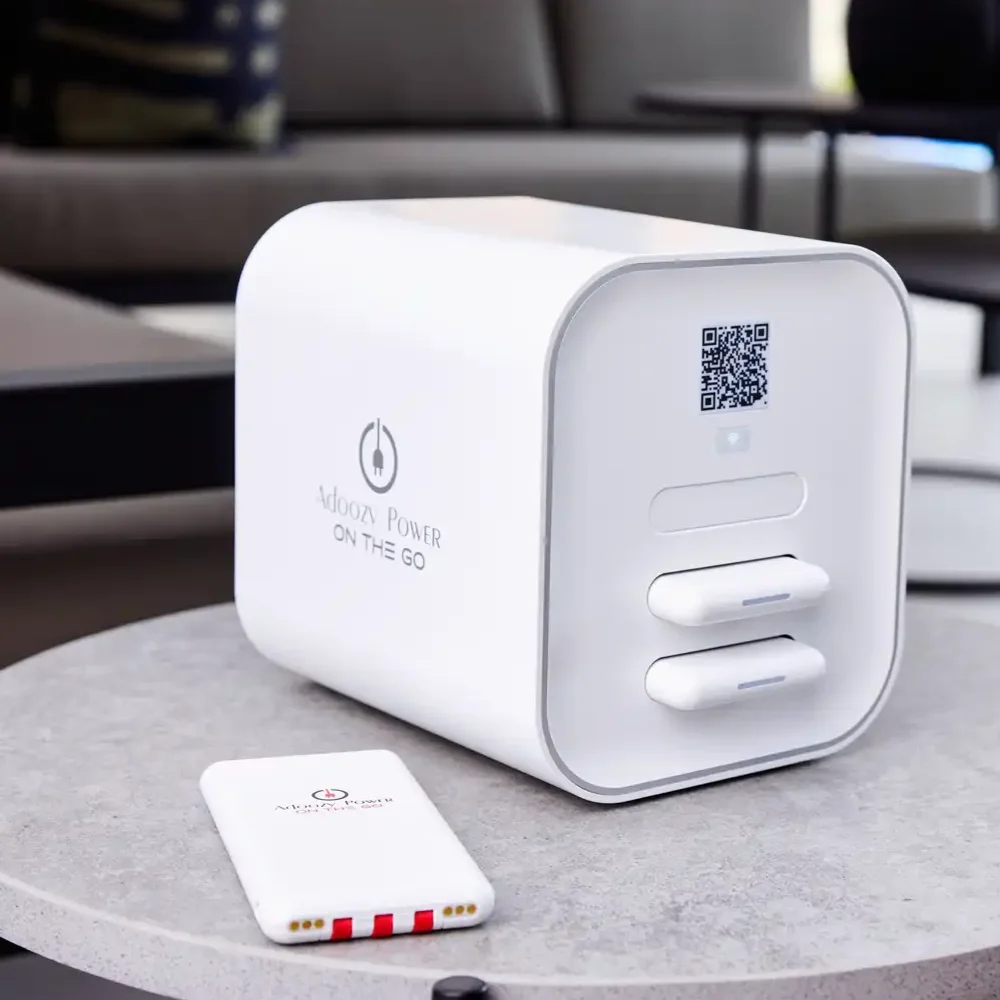
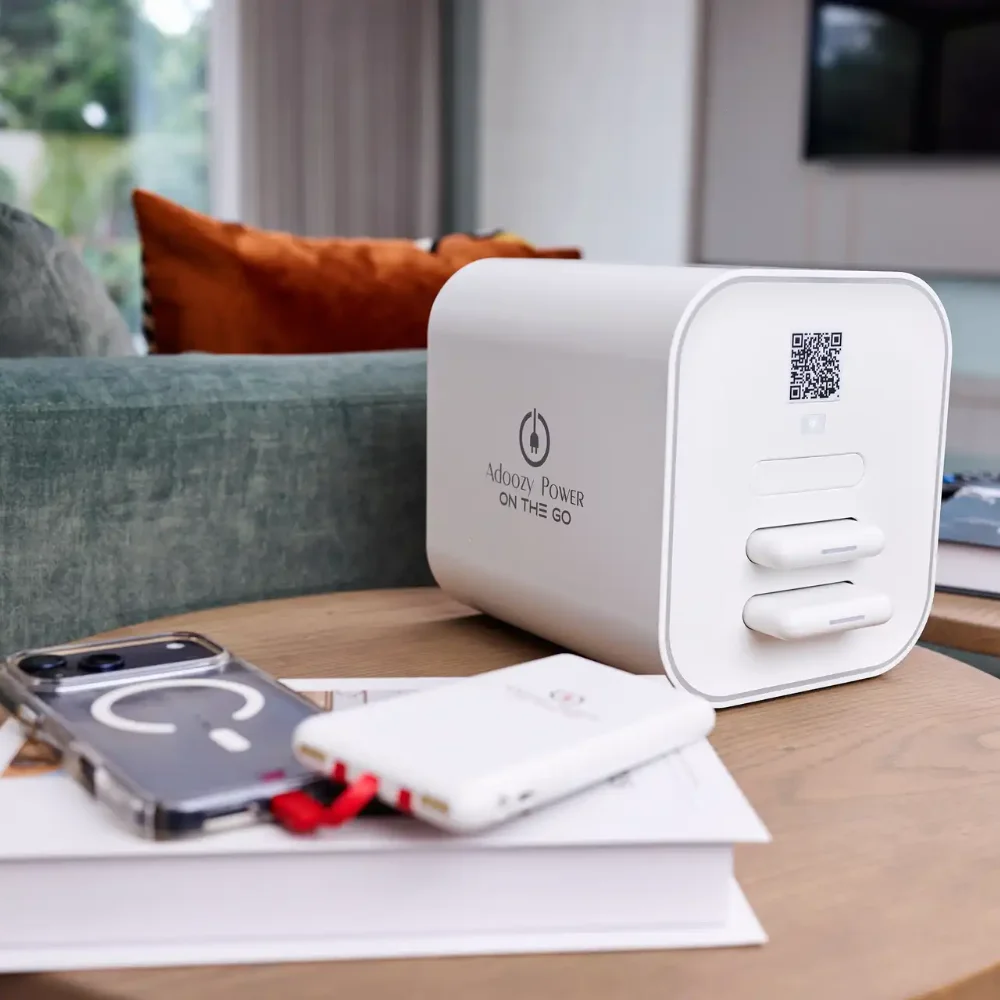
The Adoozy Docker is a compact charging solution designed to hold up to 3 powerbanks in one sleek, space-saving unit. It is ideal for home environments where easy access to portable charging adds convenience to daily life.
Designed for practical everyday use
The Adoozy Docker is built for people who want charging to be simple, neat and accessible. Its compact design makes it easy to position within the home, while its capacity allows multiple powerbanks to be stored together in one dedicated location. Whether used in a shared household, home office, entertainment area or family space, the Docker brings portable power into your environment in a practical and user-friendly way.
Why it works at home
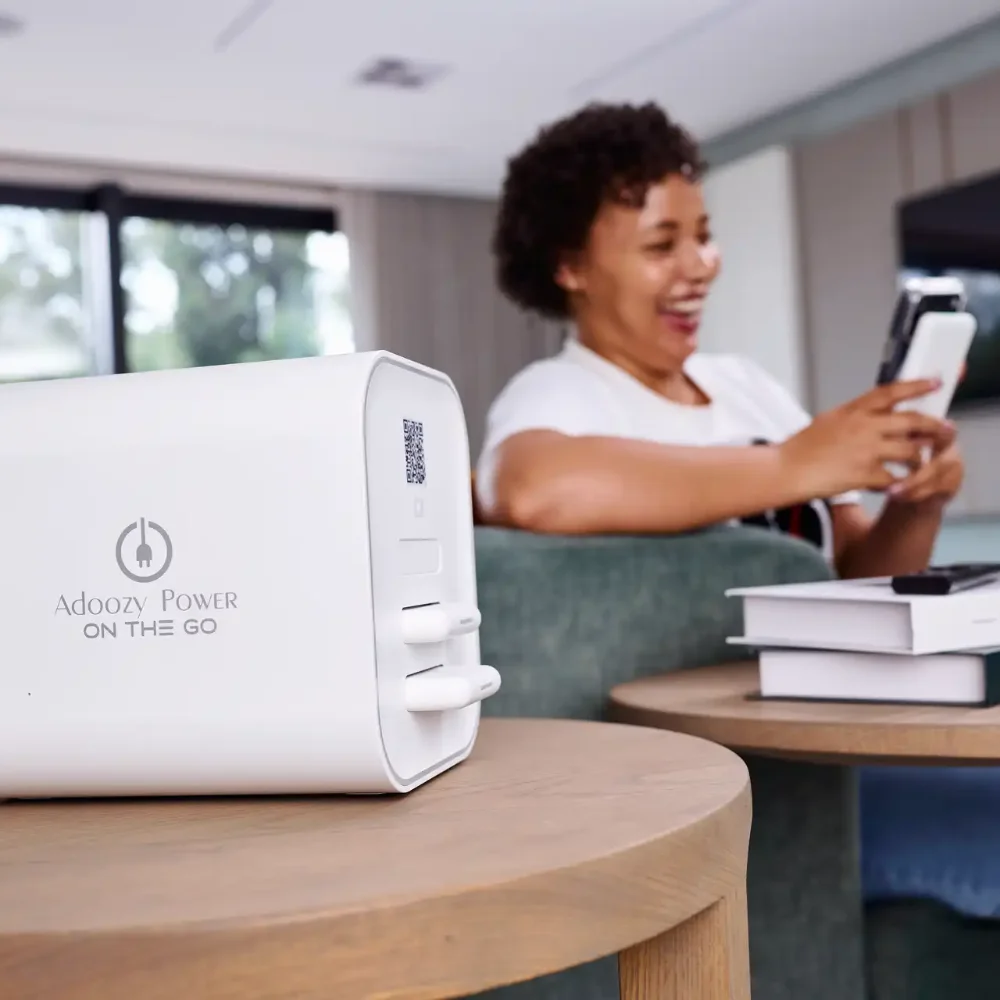
Instead of searching for charging cables and wall plugs throughout the day, the Docker creates a centralised power point for convenient access. It is a clean, modern solution for households that want to stay charged and connected.
How to set up your docker
Step 1

Scan the QR Code on the docker
Step 2
Download the Adoozy app
Step 3
Register
Step 4

Scan QR Code again to start the setup process
Step 5
Enable App settings
Step 6
Connect deviceto WIFI
Step 7

Enable warranty
Step 8
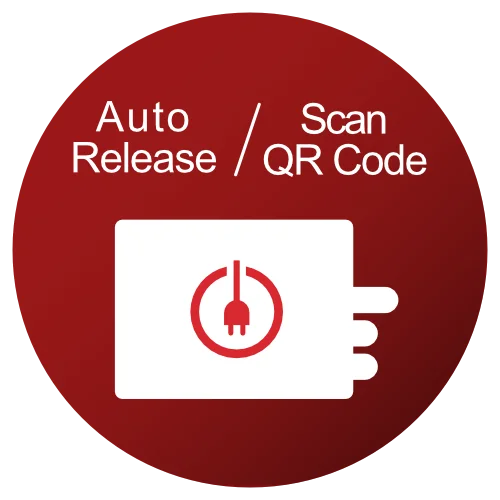
Choose the mode of your docker
How Docker Mode Works
Depending on the docker mode power banks will either be released automatically when fully charged or will be released by scanning the QR code.
Regardless of auto release mode, power banks not fully charged can be released by scanning the QR code for release.